
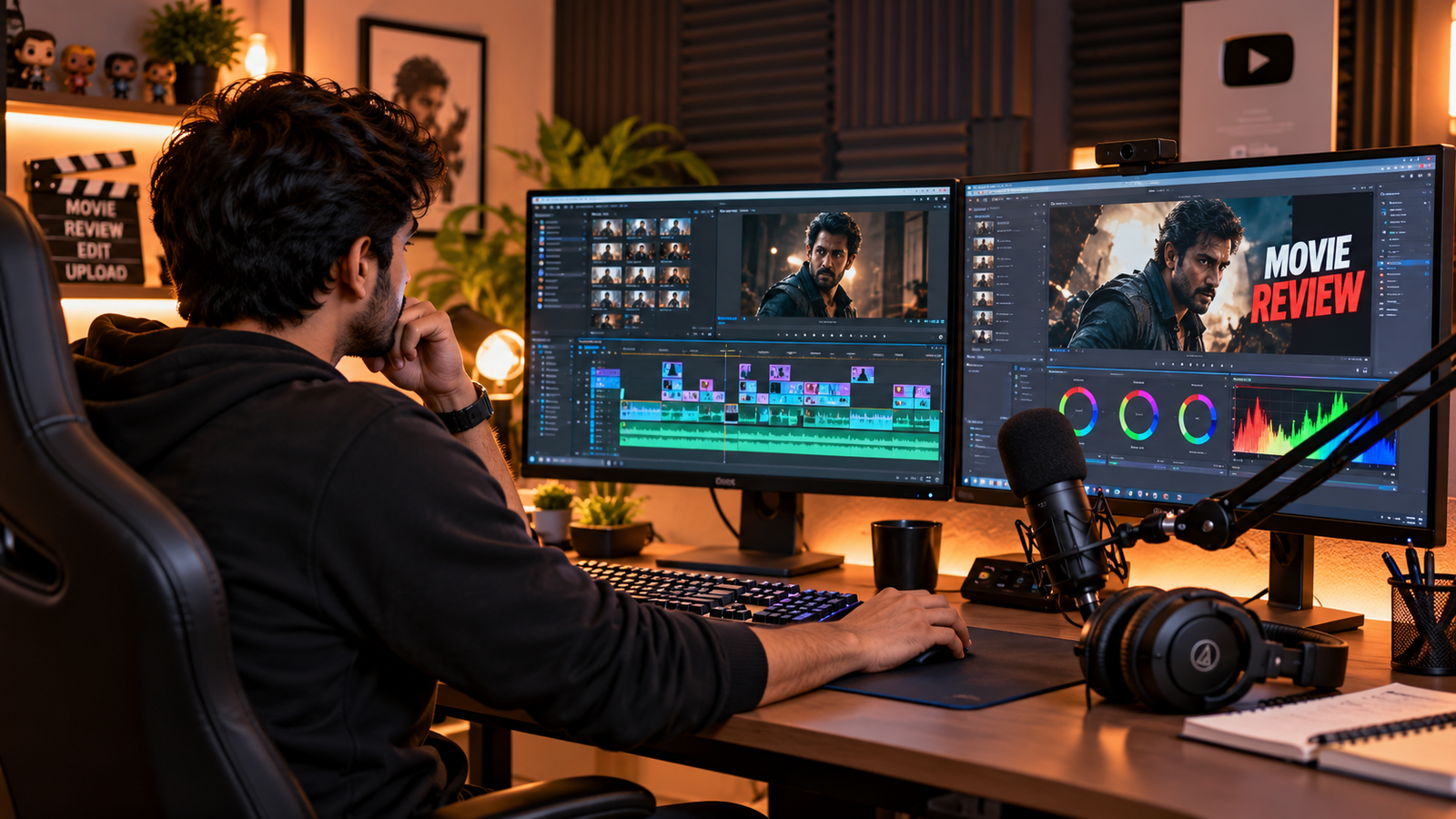
Publishing a 10-to-15-minute video on YouTube requires an entirely different creative approach from producing short-form content. If you want to create movie review videos that hold an audience across several minutes, every section must justify the viewer’s time. When your introduction drags, narration feels unnatural, or editing loses momentum, viewers may lose interest before reaching your strongest recommendations.
Building a sustainable channel when you create movie review videos as a solo creator does not require an enterprise studio budget or celebrity access. What matters is having a deliberate, repeatable workflow built around thoughtful research, engaging storytelling, clear narration, and visuals that support your own observations and criticism.
The objective is not artificial intensity; it is giving viewers a clear reason to keep watching by making every recommendation insightful, distinctive, and enjoyable.
Table of Contents
1. Finding Film Topics with Real Search Demand
Many creators begin by covering broad topics like “Top 10 Action Movies” or “Best Hollywood Thrillers.” Broad topics like these can be highly competitive because many established channels already cover them. A more focused topic can give your video a clearer identity and help it stand apart from similar recommendations.
To find viable opportunities when you plan to create movie review videos, use a three-tier demand filter.
A. The High-Rating, Low-Coverage Filter
Look for films with IMDb ratings roughly between 7.2 and 8.4. Use this bracket as an initial discovery filter rather than a guarantee, then search YouTube manually for those specific titles.
Identify films where:
- Existing recommendation videos are relatively old or poorly presented.
- Available coverage provides shallow plot summaries rather than thoughtful critique.
- Audio recording and commentary leave obvious room for improvement.
- The film has a distinctive premise that can be presented without spoiling key plot revelations.
If a psychological thriller has a compelling premise but competitors merely read out Wikipedia summaries, you can stand out by focusing on atmosphere, directing choices, and thematic tension.
B. YouTube Search Suggestion Mining
Use YouTube’s search autocomplete to understand how viewers phrase their interests:
best psychological thriller movies with unexpected endingsunderrated suspense films worth watchingmovies where the detective becomes the targetslow-burn mystery movies without jump scares
Examine search suggestions in an incognito window to discover how viewers think. Treat these as topic discovery clues rather than exact search volume records.
C. Target Emotional Experiences Instead of Broad Genres
Broad genres (Horror, Action, Mystery) make videos feel interchangeable. Structuring recommendations around specific emotional beats creates a stronger narrative identity:
- The Claustrophobic Trap: Stories where characters are trapped in a single setting dealing with escalating psychological pressure.
- The Moral Paradox: Stories where ethical boundaries blur.
- The Slow-Burn Dread: Stories beginning in ordinary routines before gradually unravelling into deep psychological unease.
2. Conversational Scripting to Create Movie Review Videos
Reading full paragraphs directly off a script causes a flat, monotonous delivery. For a 12-minute video, structure each film entry using a five-beat narrative outline rather than a rigid teleprompter transcript.
Beat 1: The Anti-Cliché Hook (Approx. First 15 Seconds)
Skip generic channel intros, subscription reminders, and background chatter. Open directly with the core dilemma:
“If you think you have already seen every clever psychological twist cinema has to offer, this film might challenge that assumption.”
Beat 2: The Premise Without Spoilers (Approx. 15 to 60 Seconds)
Establish the central conflict and the protagonist’s dilemma without narrating Act 2 or Act 3:
- Who or what is the story about?
- What unexpected event disrupts their world?
- What is the immediate conflict they cannot avoid?
Never detail plot turns past the setup. In psychological cinema, preserved uncertainty is what motivates the audience to watch.
Beat 3: The Sensory Atmosphere (Approx. 60 to 120 Seconds)
Explain how the movie feels rather than simply listing story events:
“There is very little conventional musical emphasis in these scenes. Instead, the tension comes from ticking clocks, footsteps on wet gravel, and wide shots that make ordinary rooms feel strangely hostile.”
Beat 4: The Honest Flaw (Credibility Anchor)
Recommending every title as a flawless masterpiece destroys trust. Highlight a legitimate criticism:
“The main weakness is the pacing in the middle section. The investigation slows down considerably during the second act, so viewers expecting continuous action may find this part less engaging.”
Beat 5: The Bridge Transition
Avoid mechanical transitions like “Moving on to our next film.” Link titles thematically:
“While the previous film builds tension through quiet, isolated rooms, this next selection moves into crowded streets, where danger can hide in plain sight.”
3. Editing Workflow: How to Create Movie Review Videos Without Claims
When editing a movie recommendation video, your personal commentary must remain the primary core of the Create Movie Review Videos. Under YouTube Fair Use Guidelines, material should be used transformatively to support your critique rather than serve as a substitute for the original work.
For creators dealing with software issues or video rendering glitches, reviewing proper encoder and recording setup techniques like our guide on how to fix pixelated stream in OBS can also help maintain visual render fidelity.
A. Construct the Sequence Around Your Narration
Record your master vocal track first. Add visual references only where they directly illustrate a specific critique or observation:
- When discussing cinematography, show the exact framing choice referenced.
- When analyzing pacing, let your voiceover carry the point rather than running extended raw movie scenes.
- Keep visuals connected to your narration. Use shorter shots when the explanation moves quickly, and allow a scene to remain on screen longer when it helps viewers understand your observation.
B. Creative Visual Choices and Pacing
- Subtle Motion: A gradual scale adjustment (such as a 102% to 104% slow push-in) or a fine grain overlay can add cinematic texture when it fits the mood of the critique.
- Context-Driven Cuts: Do not cut simply because a timer reached four seconds. Some moments need a quick visual shift, while others require a lingering shot to let the audience absorb the atmosphere.
- Composition Changes: Alternate between wide atmospheric shots, character expressions, text titles, and comparison cards to keep the presentation engaging.
C. Audio Balancing and Dialogue Separation
Movie clips often contain dialogue, ambient sound, and background music that can be recognized separately.
- Lowering or removing the original film score allows you to control your audio mix and keep your narration front and center.
- If a short piece of dialogue is necessary to illustrate your point, you can use vocal isolation tools to separate speech from commercial background music.
D. Vocal Clarity and Comfortable Listening
- Use a gentle high-pass filter around 80 Hz as a starting point to reduce low-frequency desk vibrations and room rumble if needed.
- Keep your voice at a comfortable, consistent level and make sure background music never competes with your narration.
- Listen to the finished video through headphones and ordinary phone speakers to check that every sentence remains easy to understand without straining.
4. Retaining Viewers on Faceless Channels
Holding attention across a 12-to-15-minute video when you create movie review videos without a facecam requires intentional visual structuring. Use this planning table as a flexible framework:
| Timeline Segment | Strategic Objective | Actionable Technique |
|---|---|---|
| 0:00 – 1:30 | Establish Theme & Stakes | Introduce the central theme, set realistic expectations, and outline why these titles stand out. |
| 1:30 – 6:00 | Structured Core Content | Alternate between visual references, clean typography cards, and specific filmmaking observations. |
| 6:00 – 7:30 | The Mid-Video Reset | Pose a thoughtful narrative question, contrast two opposing film styles, or introduce a major tonal shift. |
| 7:30 – End | Strongest Curations | Deliver the most distinctive recommendations with candid critique and clear viewing guidance. |
Avoid adding internet memes, cartoon sound effects, or reaction graphics simply to make the timeline busier. In serious cinema analysis, unnecessary comedic interruptions break viewer immersion.
5. High-CTR Packaging: Specificity Over Hyperbole
Your video title and thumbnail must work together as a clear, complementary pair.
Title Strategy: Distinct Angles
- Generic: “Top 5 Mind-Blowing Mystery Thrillers You Must Watch!”
- High-Intent: “5 Psychological Thrillers Where the Detective Realizes He Is the Target”
The second headline communicates a specific narrative conflict that immediately appeals to fans of that sub-genre.
Thumbnail Strategy: Single Visual Focal Point
- Avoid cluttered split-screens displaying multiple posters or large channel logos.
- Choose a single, high-contrast frame highlighting a strong emotional beat: suspicion, dread, or intense calculation.
- Keep on-screen text limited to two or three words that create curiosity (e.g., “Zero Alibis” or “Too Late”) rather than repeating the title word-for-word.
6. Sustainable Production and Long-Term Discovery
Long-form movie recommendation videos do not follow a fixed algorithmic timetable.
- The Initial Response: Some videos attract attention quickly, while others take longer to find their audience. Early performance can vary widely, so avoid judging a video’s long-term potential from its first few days alone.
- Long-Term Discovery: A well-researched video may continue attracting viewers long after publication, especially when its topic remains relevant.
- Iterative Improvement: Treat every upload as an opportunity to improve one specific element—whether that is writing a tighter hook, improving vocal delivery, or creating a more focused thumbnail.
When you consistently create movie review videos focused on dependable film curation, honest critique, clear audio, and purposeful visual storytelling, you build an audience that values your perspective over the long haul.
Frequently Asked Questions About Creating Movie Review Videos
How do solo creators avoid copyright strikes when reviewing movies?
Copyright safety comes down to making transformative content rather than simply rebroadcasting studio clips. To protect your work, keep raw movie cuts short (around 4 to 6 seconds), build the visual sequence strictly around your original commentary, mute original studio background scores, and use vocal isolation tools if you need to feature iconic dialogue lines.
What equipment do I need to start a movie review channel?
You do not need high-end studio gear to start. A reliable USB condenser microphone (with a basic pop filter), budget closed-back monitoring headphones, and any modern editing software (like DaVinci Resolve, CapCut, or Premiere Pro) are sufficient. Clear vocal delivery and clean room acoustics matter far more than expensive camera setups.
Can a movie recap or review channel get monetized on YouTube?
Yes, movie review channels can be monetized through the YouTube Partner Program, provided the videos offer significant original value, distinctive analysis, or educational critique. Channels that simply upload automated voiceovers over unedited film summaries without personal insight often get flagged for reused content.
How long should a movie recommendation video be for high retention?
For listicles recommending 4 to 6 films, a duration between 10 to 14 minutes is ideal. This allows approximately 1.5 to 2 minutes per movie—giving you enough time to cover the premise, sensory atmosphere, and honest flaws without dragging out the narrative pacing.