
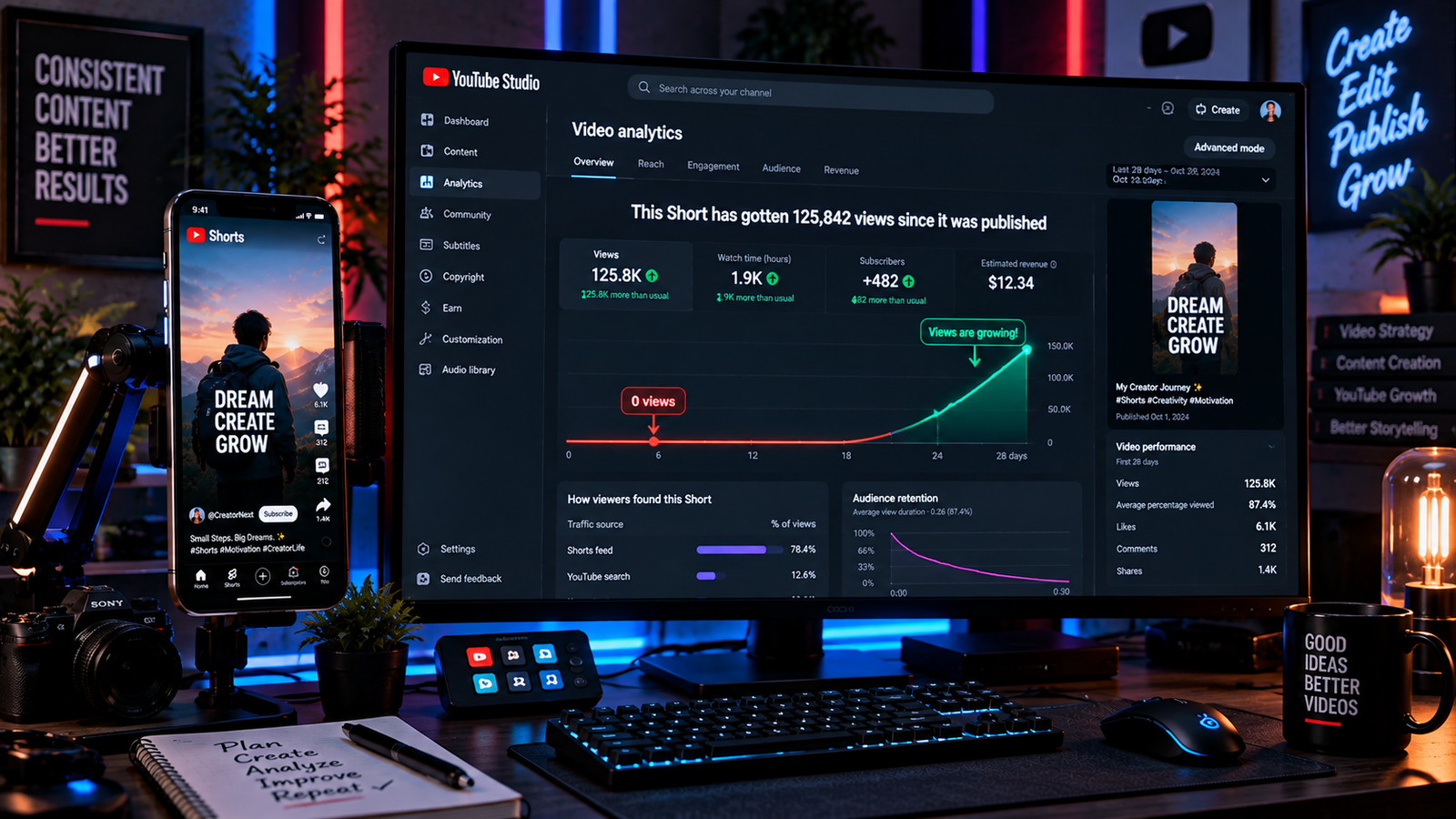
Publishing a vertical video on YouTube only to see the analytics counter stay flat at zero views is a frequent and frustrating challenge for creators. Unlike traditional long-form videos that primarily gain traffic through search queries and browse features, vertical videos depend significantly on being surfaced within the dedicated Shorts Feed. Learning how to fix 0 views on youtube shorts enables you to diagnose platform delivery issues using verified performance metrics rather than relying on common algorithmic myths.
When a vertical video receives zero views, the issue is rarely a permanent penalty against your channel. Instead, delivery depends on real-time factors including audience interest, viewer response, current competition, and technical upload settings. Understanding how to fix 0 views on youtube shorts allows you to identify whether your upload has faced visibility restrictions or simply struggled to capture viewer attention during initial feed impressions.
In this practical troubleshooting guide, we cover 5 proven, step-by-step methods on how to fix 0 views on youtube shorts grounded directly in official YouTube discovery documentation and sound content strategy.
Table of Contents
Why YouTube Shorts Experience Zero Views
Before making erratic changes to your channel, diagnosing why a video has not gained traction requires examining the actual discovery pipeline. When creators evaluate how to fix 0 views on youtube shorts, the lack of views typically traces back to these technical and audience factors:
- Unverified Upload Restrictions or Visibility Settings: If a video is accidentally published as Unlisted, scheduled incorrectly, or marked with restrictive audience settings, it will not reach the public feed.
- Delayed or Limited Feed Exposure: Recommendation systems surface content based on individual viewer interests, historical engagement patterns, and topic competition. If a video addresses a narrow niche or faces intense competition, platform distribution can take significant time to register.
- Low Initial Viewer Engagement Signals: If early viewers frequently swipe away within the opening seconds, it signals lower viewer satisfaction, which can negatively influence how the system prioritizes further recommendations alongside watch duration and engagement.
- Content Restrictions and Claims: Certain regional copyright policies, Content ID claims, or community standard reviews can restrict public availability on user feeds.
For official guidance on audience discovery and system features, consult the YouTube Help Center on Video Discovery to review platform policies. If your video is generating feed impressions but viewers leave after a few seconds, read our practical guide on how to fix YouTube shorts low retention to improve your hooked percentage.
Fix 1: Verify Video Visibility and Account Restrictions
The most immediate cause of zero views is a fundamental configuration issue or an active restriction on the specific upload.
Step-by-Step: Check Visibility Settings
- Open YouTube Studio on desktop or mobile and navigate to the Content tab.
- Locate the stalled video and inspect the Visibility column. Ensure it is set to Public and that any scheduled publish date has actually passed.
- Check the Restrictions column. If it lists a Copyright claim, click into the details to check whether the copyright holder has applied viewing restrictions in specific countries.
- Review the Audience setting. Confirm whether the video is marked as Made for Kids, as this setting removes the video from personalized recommendations and disables standard interactions.
- In YouTube Studio Settings > Channel > Feature Eligibility, ensure your account maintains good standing without active community guidelines strikes that temporarily restrict publishing permissions.
Resolving baseline access and visibility obstacles is the mandatory first step when learning how to fix 0 views on youtube shorts.
Fix 2: Diagnose the “Shown in Feed” vs. “How Many Chose to View” Metrics
Rather than guessing why a video has no views, YouTube Studio provides decisive metrics that reveal whether the issue relates to initial exposure or viewer retention.
Step-by-Step: Analyze Shorts Feed Reach
- Open YouTube Studio, select your stalled video, and click Analytics.
- Navigate to the Reach tab and inspect the Shown in feed metric.
- Check the How many chose to view card, which compares the percentage of viewers who watched your video against those who swiped away:
- If “Shown in feed” is 0: This confirms that the video has not yet entered the Shorts Feed. Feed distribution depends on a combination of viewer personalization, current topic interest, and platform competition.
- If “Shown in feed” is greater than 0, but the “How many chose to view” percentage is very low: The video was presented to viewers, but a large portion swiped away before a view was registered.
- If your “How many chose to view” percentage indicates high early swipe-aways, evaluate your opening 2 seconds to ensure your visual hook matches user expectations.
Using accurate platform metrics provides an objective diagnostic foundation when determining how to fix 0 views on youtube shorts.
💡 Creator Resource: Experiencing audio sync drift, export errors, or render crashes across your editing software? Search our master Creator Troubleshooting Database: 5,000+ Production Fixes to resolve technical snags quickly.
Fix 3: Improve Metadata Clarity for Better Topic Context
While recommendation systems prioritize viewer personalization and engagement signals over tags, clear metadata helps search systems index your content and helps viewers understand what the video delivers.
Step-by-Step: Refine Video Metadata
- Avoid stuffing titles with dozens of generic hashtags like
#viral,#trending, or#fyp, as these provide no topical clarity for search crawlers or viewers. - Write a clear, concise title that directly communicates the topic, premise, or core question of the video.
- Include one or two natural, descriptive keywords that an interested viewer might search for.
- Add a brief description outlining the video content to provide additional context on search surfaces.
- If the original title was completely ambiguous (such as random punctuation or non-descriptive phrases), update it to reflect the true topic of the clip.
Improving metadata clarity strengthens topic context across search and discovery surfaces, which can help support overall efforts on how to fix 0 views on youtube shorts.
Fix 4: Optimize Preview Frames for Secondary Discovery Surfaces
While primary Shorts consumption occurs inside the auto-playing Shorts Feed, vertical videos also surface across secondary platform areas—such as channel pages, search results, and browse carousels—where viewers actively decide whether to click.
Step-by-Step: Select an Engaging Preview Frame
- During upload via the official YouTube Mobile App, tap the Pencil (Edit) icon on the video preview thumbnail.
- Scrub through your video to select an engaging, high-clarity frame that accurately represents the content.
- Ensure the frame has strong contrast and clean visual focal points that communicate the subject quickly.
- Avoid misleading clickbait frames that do not relate to the video, as viewers who feel misled will quickly swipe away, signaling poor viewer satisfaction.
Optimizing your preview frame helps capture traffic across search and channel shelves, strengthening your workflow on how to fix 0 views on youtube shorts.
Fix 5: Avoid Repetitive Deletion Cycles and Build Consistent Testing
When a video sits at zero views, many creators impulsively delete and re-upload the same file repeatedly. This rarely solves the underlying performance problem and disrupts long-term analytics tracking.
Step-by-Step: Implement a Sustainable Strategy
- Avoid immediately deleting an underperforming Short. Give your video time to be indexed across different viewer time zones before drawing conclusions.
- If an upload completely fails to register any impressions after several days and contains no restrictions, examine the content rather than re-uploading the exact same file.
- Instead of re-uploading identical media, adjust the editing: improve the hook, trim slow pauses, or present the concept from a different visual perspective in a new video.
- Focus on publishing regular, high-retention content within a consistent topic area to help recommendation systems recognize your target audience.
Replacing repetitive re-upload cycles with objective content adjustments completes your methodology on how to fix 0 views on youtube shorts.
If you also produce live stream content that experiences dropped frames during broadcasts, review our verified guide on how to fix OBS dropped frames to maintain stream stability.
YouTube Shorts 0 Views Diagnostic Matrix
Use this quick-reference diagnostic matrix to identify your specific symptoms when troubleshooting how to fix 0 views on youtube shorts:
| Distribution Symptom | Probable Cause | Recommended Production Fix |
|---|---|---|
| 0 views and “Shown in feed” is 0 | Normal discovery latency, topic competition, or limited initial audience interest | Review visibility settings, verify title clarity, and allow time for discovery |
| “Shown in feed” is high, but “How many chose to view” is low | Viewers are swiping away quickly upon encountering the video | Redesign the opening hook to immediately deliver on the premise of the video |
| Video displays an active restriction in Studio | Regional copyright restriction or content claim | Inspect the Restrictions tab in YouTube Studio to see specific policy impacts |
| Visibility is marked as Unlisted or Private | Video is not publicly accessible in the recommendation feed | Update video visibility to Public in YouTube Studio |
| Channel newly created with zero viewer history | System still discovering relevant audience segments for your content | Maintain a consistent upload schedule focused on a clear topic to build signals |
Frequently Asked Questions (FAQ)
Does deleting and re-uploading a YouTube Short help fix 0 views?
Deleting and re-uploading the identical video rarely fixes zero views. If the underlying video struggled with topic demand or failed to engage early viewers, uploading the exact same file will generally produce the same result. Instead, review your analytics, refine the hook or pacing, and create an improved version.
How long does it usually take for YouTube Shorts to get views?
There is no fixed schedule for Shorts discovery. Some videos gain exposure within hours, while others may take days or even weeks to surface as viewer search trends, competition, and recommendation patterns shift. Understanding this variability is essential when learning how to fix 0 views on youtube shorts.
Can a copyright claim cause a Short to stay at zero views?
Yes. Depending on the copyright owner’s policy, a Content ID claim can result in the video being blocked in specific territories or restricted from certain distribution surfaces. Always check the Restrictions column in YouTube Studio to verify whether a claim affects your video’s public availability.